


Mention inbox
- X brand mentions in one inbox, with reply-worthy posts near the top.
- Open original posts before you reply so context and tone stay accurate.
- Paid plans scan on your schedule. Free plan includes one setup scan.

X (Twitter) brand monitoring with daily scans, a reply-sorted inbox, and competitor tracking. Free plan — no credit card.
No credit card. Set up your first brand in just one minute.
Used by growth and marketing teams
X social listening vs typical keyword alerts.
| Feature | SignalMelo | Typical Twitter keyword alert tools |
|---|---|---|
| X mention inbox sorted for replyTweets sorted so you see what to reply to first; alert tools usually send every keyword hit unsorted. | Included | Limited |
| Scheduled daily X scansPaid plans scan on your schedule and deliver new mentions automatically—not manual saved-search checks. | Included | Limited |
| Links to original X postsEvery mention links to the visible thread so you can read tone and context before posting. | Included | Limited |
| Separate competitor mention inboxTrack competitor keywords without mixing comparison posts into your brand list. | Included | Limited |
| Editable reply draftsDraft replies tied to thread context; alert bots usually stop at notification. | Included | Limited |
| Free tier with a one-time setup scanSet up one brand and review the full inbox before upgrading for daily scans. | Included | Varies |
Three parts of the product you will use when monitoring X mentions.
See the full four-step flow on our homepage
One setup for X mentions, competitor tracking, and reply drafts.
Catch demand and objections in live conversations, then pass the best threads to the right teammate quickly.
See when buyers compare your product to alternatives and reply while comparison threads still have momentum.
Reply to discussions with full context using links to original posts and editable drafts.
Built for fast-moving timelines, not alert volume alone.
Brand mentions arrive in an inbox your team can act on before momentum fades—not an endless alert stream.
The inbox puts threads with the best reply upside near the top so you respond while conversations still matter.
Comparison threads land in a separate competitor inbox so your brand list stays focused.
Run the same brand and competitor terms with one setup scan before replacing alert tooling.
Compare your inbox against your current X setup.
Start with what you already track—no migration required.
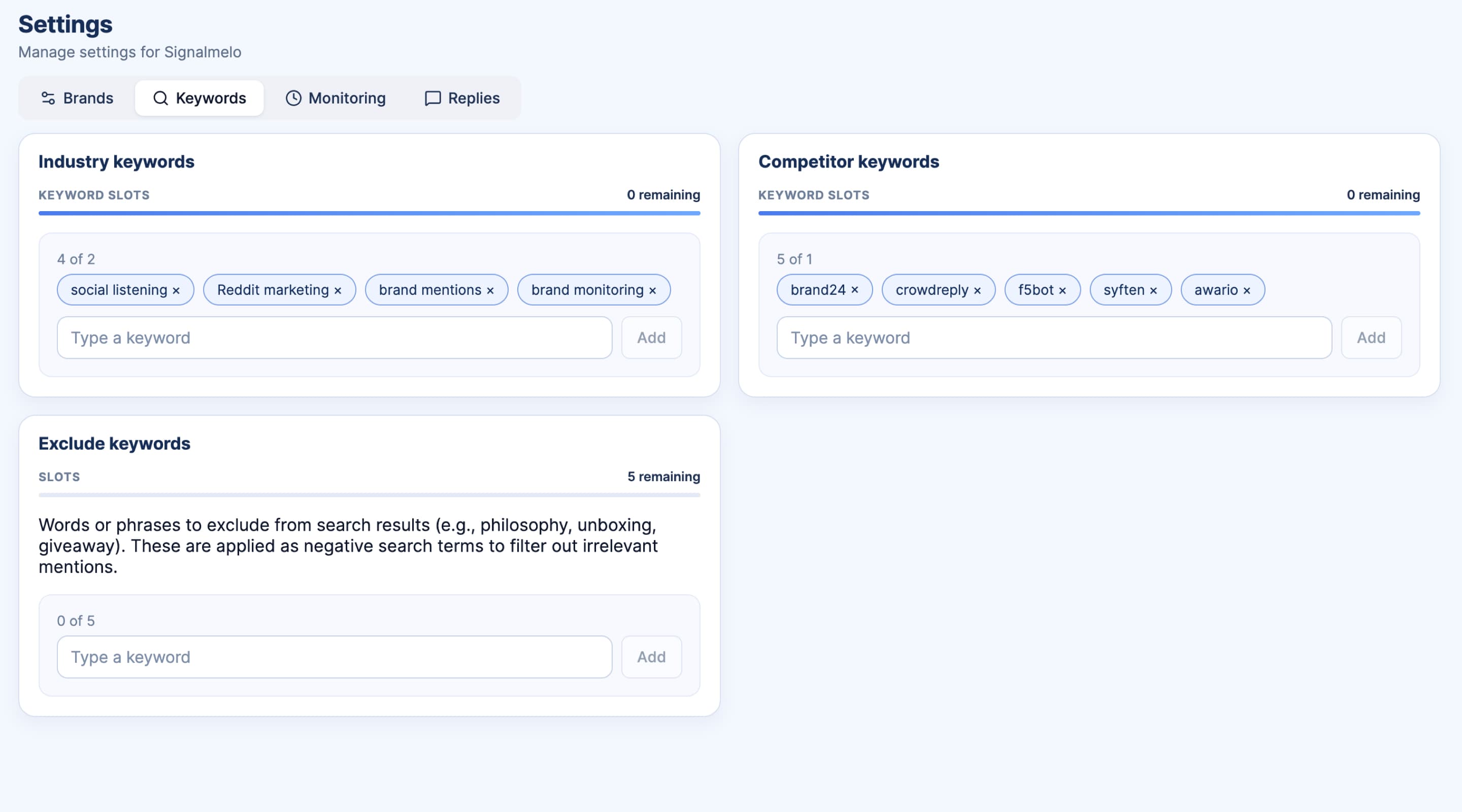
Recreate the same keywords on the free plan in minutes.
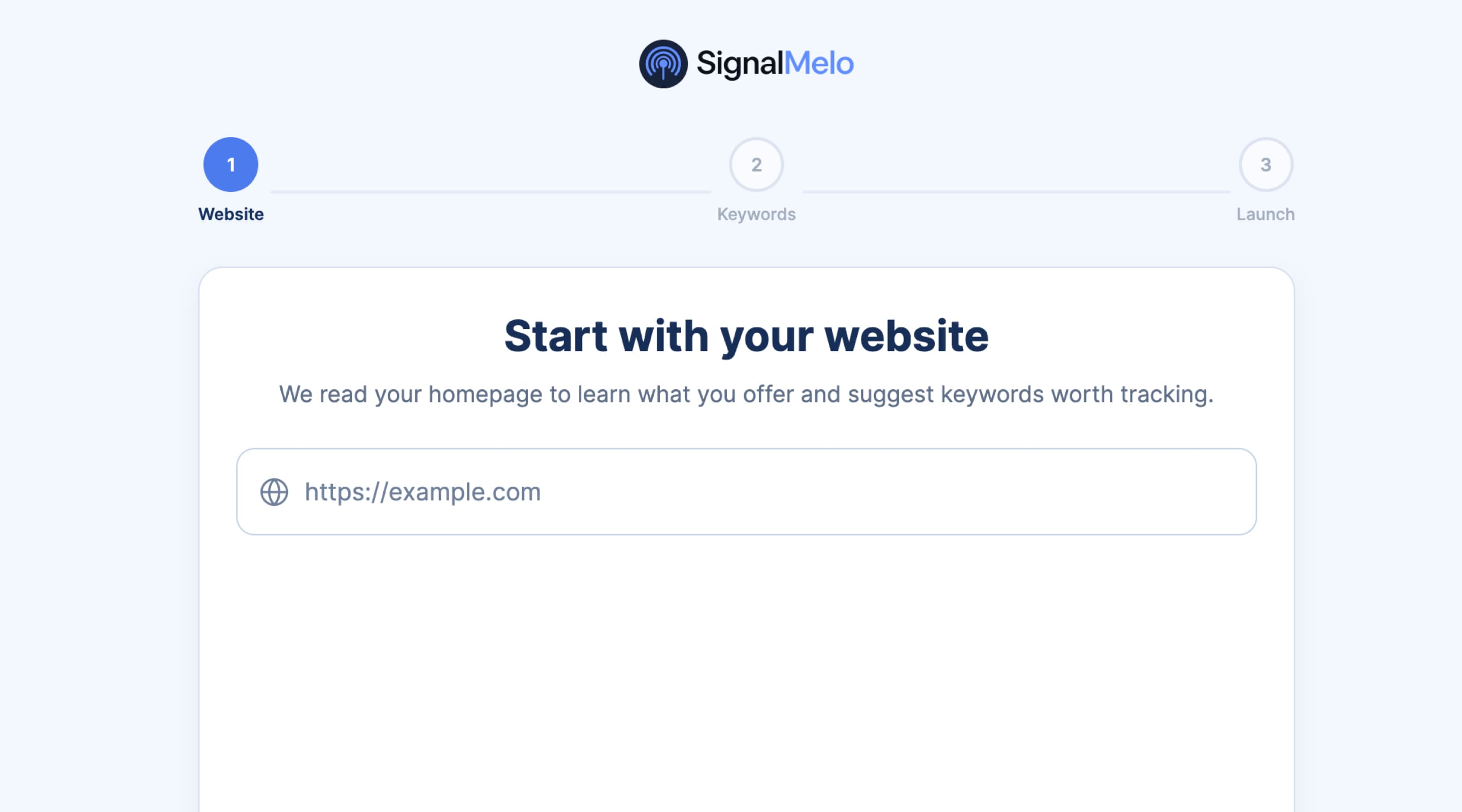
Review outputs on the same keyword set during a live week.
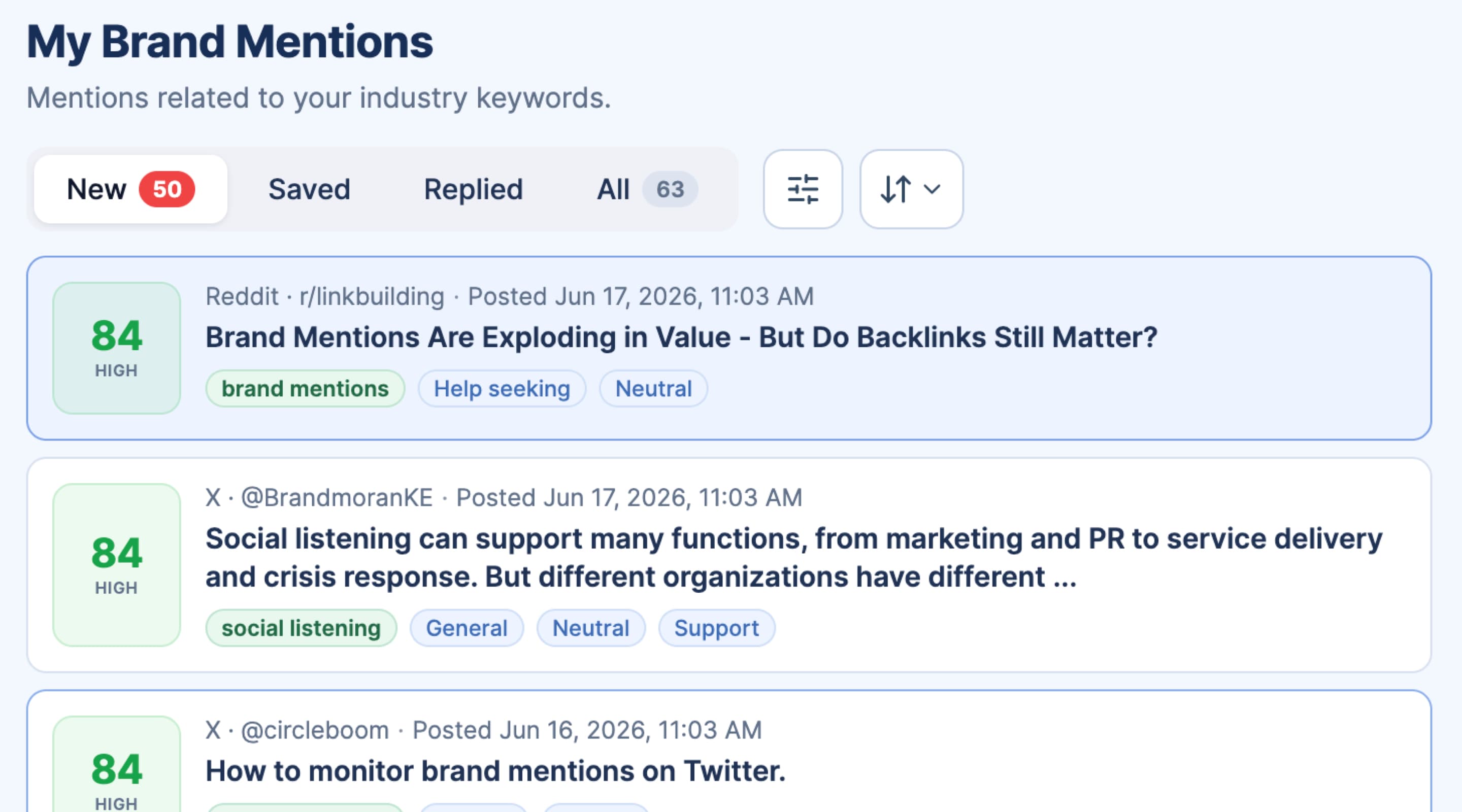
Move reply planning into one inbox when it fits.
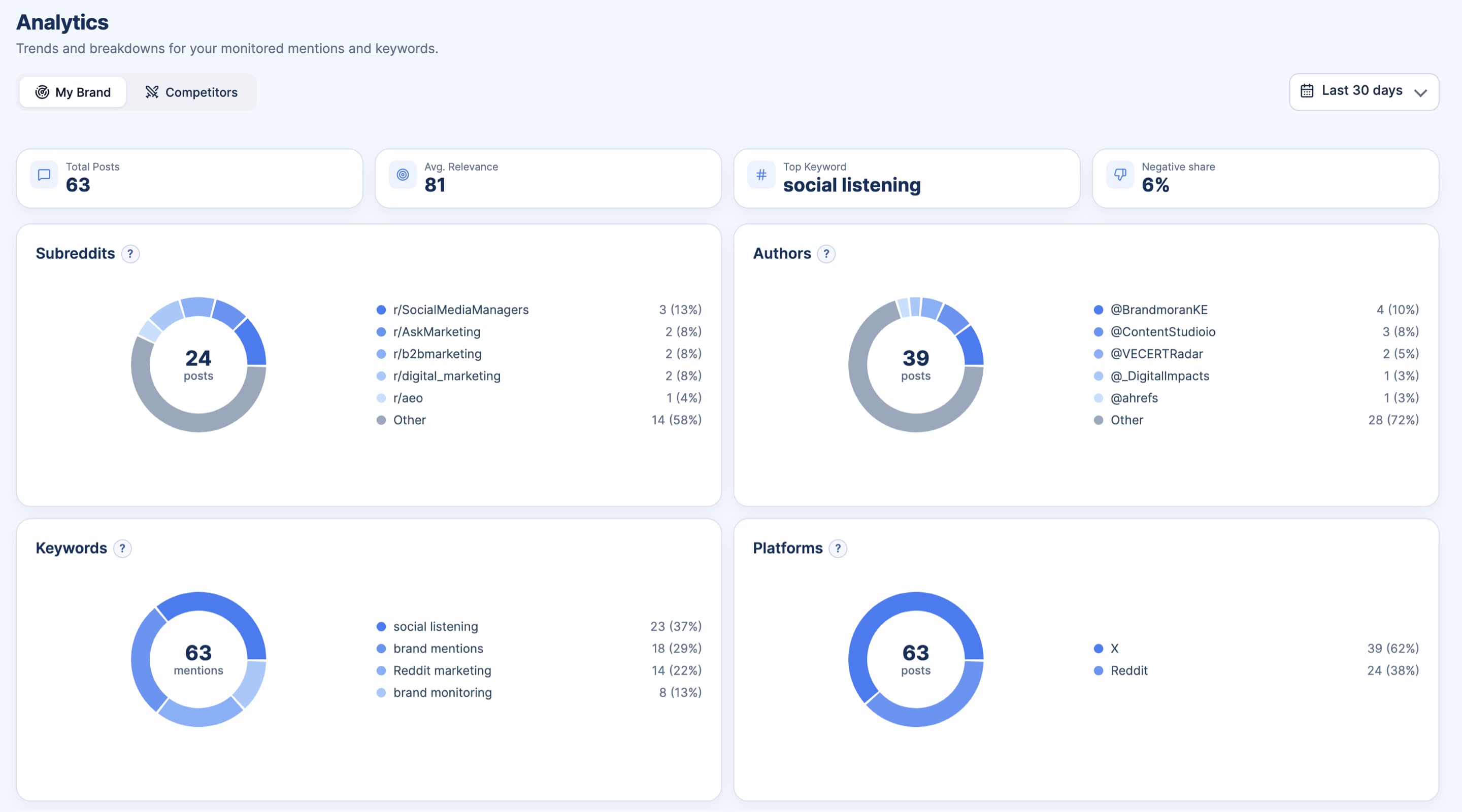
SignalMelo is software for your team, not an agency replacement. It helps you monitor and reply to X brand mentions—with links to each post and reply draft help.
Keyword alerts stop at notification. SignalMelo adds daily scans, a sorted mention inbox, competitor tracking, and draft help so teams can move from alerts to posted replies.
Yes. SignalMelo monitors brand mentions on Reddit and X. X and Reddit share the same inbox: daily scans, competitor watch, and reply drafts.
It finds tweet threads worth a reply, keeps links to the original post, and offers editable drafts so teams can respond while the conversation is still active.
You can set up one brand, run a one-time setup scan, and review the full mention inbox before upgrading for scheduled daily scans and more keywords.
Yes. Teams can keep their existing process and use SignalMelo for a clearer inbox, faster drafts, and links to posts before they publish replies.
Learn more: X monitoring guide · Track brand mentions on X